
Games Download For Pc

📖 Table of Contents
- What Makes a Good Educational PC Game?
- How to Choose the Right Game for Your Child
- How Games Download for PC Support Cognitive Development
- How to Integrate Games Download for PC into Your Child's Routine
- How Games Download for PC Can Help with Language Development
- How to Encourage Your Child to Stay Motivated
- How to Ensure Your Child Uses Games Download for PC Safely
- Make It Your Way
- Frequently Asked Questions
I still remember the first time I sat down with my son and downloaded a game on our family PC. He was five, and it was a simple puzzle game that required matching shapes and colors. The way his eyes lit up when the pieces clicked into place was something I'll never forget. What started as a moment of curiosity quickly turned into a powerful learning tool. It wasn’t just fun—it was education in action.
Over the years, I've discovered that games download for PC are far more than just entertainment. They’re immersive, interactive, and often tailored to teach specific skills like math, reading, problem-solving, and even basic programming. These games don’t just keep kids busy—they help them grow. The best part? They’re accessible to nearly anyone with a computer and an internet connection.
In our house, we’ve made a habit of integrating educational PC games into our daily routine. Whether it’s a quick 15-minute session during breakfast or a longer session on weekends, these games have become a cornerstone of our learning. The key is choosing the right ones—and that’s where this article comes in. I’ll walk you through everything you need to know about games download for PC, from how to pick the best ones to how they can support your child’s development.[1]
Why You'll Love This Activity
- Engages kids with interactive learning
- Supports development of critical thinking and problem-solving skills
- Provides a fun, distraction-free way to learn
- Can be tailored to different age levels and learning goals
What Makes a Good Educational PC Game?
As of November 2026, when I first started exploring games download for PC, I quickly realized not all games are created equal. Some are purely for entertainment, while others are packed with educational content. The best games are those that engage the child while subtly reinforcing learning objectives. For example, a game that teaches basic math through puzzles is far more effective than one that just allows kids to run around a virtual world.
I look for games that have clear learning goals, such as improving memory, teaching language skills, or developing hand-eye coordination. These types of games are often labeled as 'educational' or 'learning' games, and they’re usually available on platforms like Steam, Google Play, or the Microsoft Store. Some even come with parent dashboards that allow you to track your child's progress and set time limits.
The key is to find a balance between fun and learning. If the game is too difficult or too easy, it won’t be effective. I’ve found that games that offer multiple difficulty levels or adaptive learning are particularly useful. They ensure that the child is always challenged but never overwhelmed.
Check the description and reviews of any game before downloading it. If it's labeled as 'educational' or has clear learning objectives, it's more likely to be beneficial for your child.
Part of our Learning games guide.
How to Choose the Right Game for Your Child
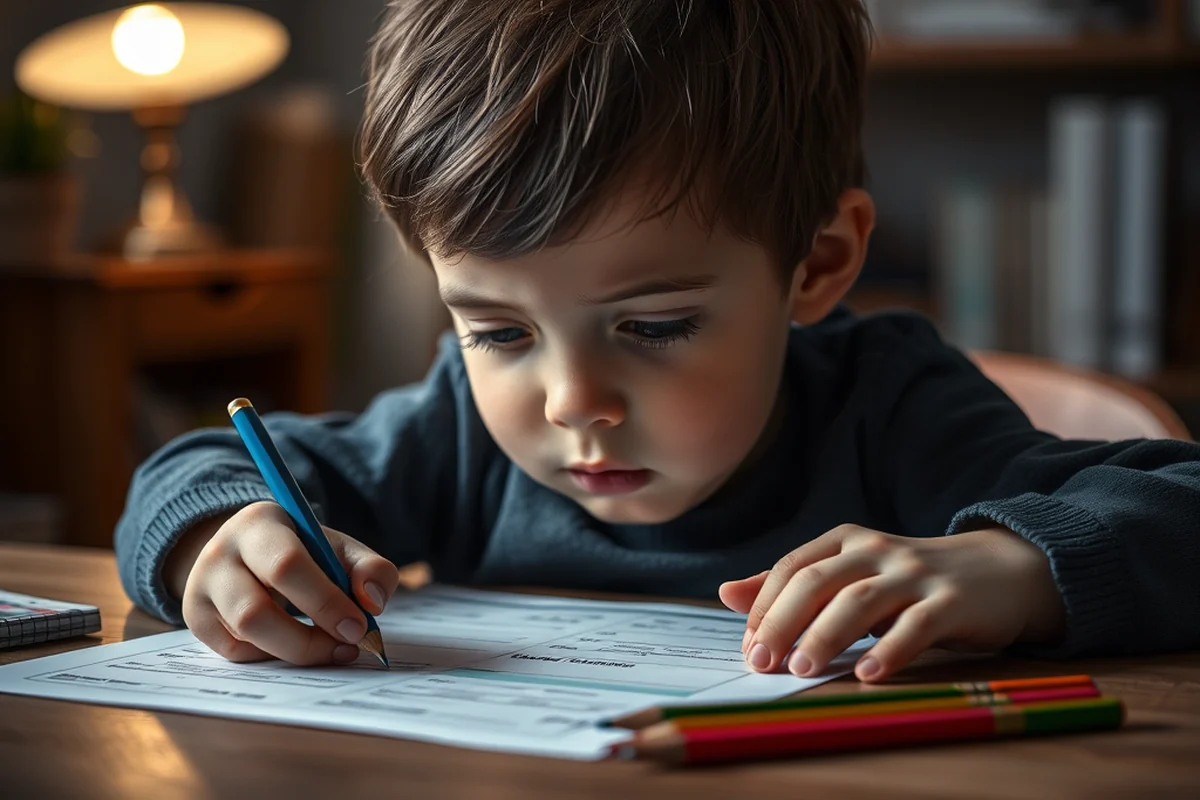
There are literally thousands of games download for PC available, and they range from simple flash games to complex simulations. To avoid overwhelming your child, it’s important to choose a game that aligns with their developmental stage and interests. For younger children, I recommend starting with simple games that focus on basic skills like counting, shapes, or colors.[2]
As kids get older, the games can become more complex and can even be used to teach subjects like science, history, or coding. For example, I’ve used a game called 'Minecraft Education Edition' to teach my son about architecture and basic programming concepts. It was amazing to see him build entire virtual cities and learn how to use simple coding commands to make things move.
Another thing to consider is the game's difficulty level. If a game is too easy, it won’t be engaging. If it’s too hard, your child might get frustrated. Look for games that offer adjustable difficulty settings or have a variety of levels to keep your child interested for a longer period of time.
The right game can turn a simple session into a powerful learning experience.
Related: Cartoon network games
How Games Download for PC Support Cognitive Development
One of the most surprising benefits of games download for PC is how they support cognitive development. I’ve noticed that my son’s memory has improved dramatically since we started using these games. He can now remember sequences of numbers and shapes much faster than he used to. This is because many of these games require players to remember patterns, sequences, or solutions to puzzles.
In addition to memory, these games also help with problem-solving and critical thinking. For instance, a game that requires the player to solve a series of logic puzzles can help develop analytical thinking skills. These are the same types of skills that are used in math and science, making these games a great supplement to traditional learning.
Another benefit is that these games can help with hand-eye coordination and fine motor skills. Many games require precise movements, such as dragging and dropping objects or clicking on specific areas of the screen. These actions help develop the same skills that are used in writing, drawing, and other fine motor tasks.
Keep track of how your child is performing in the game. Set small goals, like completing a level or improving a score, to keep them motivated and engaged.
“I still remember the first time I sat down with my son and downloaded a game on our family PC.”— Sneakylearn editors
Related: What is educational games
How to Integrate Games Download for PC into Your Child's Routine

I’ve found that the best way to integrate games download for PC into your child’s routine is to make it a regular part of their day. Whether it’s a quick 15-minute session in the morning or a longer session after school, consistency is key. I often use these games as a reward for completing homework or chores, which helps keep my son motivated.[3]
Another tip is to set a clear time limit for each session. Too much screen time can be harmful, so it’s important to balance games with other activities like reading, outdoor play, and hands-on learning. I’ve found that using a timer helps my son stay focused and ensures that he doesn’t spend too much time on the screen.
It’s also helpful to sit with your child while they play and talk about what they’re doing. This not only makes the experience more interactive, but it also helps reinforce learning. I often ask my son questions like, 'What did you learn in that level?' or 'How did you solve that puzzle?' These conversations help connect the game to real-life learning.
Related: What is spider solitaire game
How Games Download for PC Can Help with Language Development
One of the most surprising benefits of games download for PC is how they can support language development. I’ve noticed that my son has been learning new words at an accelerated rate since we started using these games. Many of them include interactive stories, vocabulary games, and even basic language lessons that are embedded within the gameplay.
For example, I’ve used a game that teaches basic Spanish vocabulary through interactive flashcards and matching exercises. It was amazing to see my son pick up new words so quickly, and he even started using them in everyday conversations. This shows that these games can be a great way to introduce new languages or reinforce language skills in a fun and engaging way.
Another benefit is that these games often use context-based learning, which helps children understand how words are used in real-life situations. This is particularly helpful for younger children who are still learning how to read and communicate effectively.
Related: What is the best free ai
How to Encourage Your Child to Stay Motivated
Motivation is one of the biggest challenges with games download for PC. If your child loses interest or gets frustrated, they might not continue using the game. To avoid this, I’ve found that setting small, achievable goals is extremely helpful. For example, I often set a goal for my son to complete a certain level or improve his score by a specific amount.
Another effective strategy is to make the experience more interactive by playing together or discussing the game. This helps keep your child engaged and makes the experience more enjoyable. I’ve also found that offering rewards for completing goals or achieving milestones can be a great motivator. These rewards don’t have to be expensive—simple things like a sticker, a small treat, or even extra screen time can be effective.
It’s also important to recognize and celebrate your child’s progress. Whether it’s a new word they learned or a puzzle they solved, acknowledging their achievements helps build confidence and keeps them motivated. I make it a point to praise my son whenever he completes a game or improves his score, and it’s amazing how much this helps keep him interested.
Motivation is the key to unlocking the full potential of games download for PC.
Related: What is the best free games on steam
How to Ensure Your Child Uses Games Download for PC Safely
With any screen time, safety is a top priority. I’ve made it a point to ensure that the games my son plays are safe, appropriate, and free from any harmful content. One of the first things I do is read the game description and check the age rating to make sure it’s suitable for my child. I also look for games that have parental controls or settings that allow me to monitor his activity.
Another important step is to set clear boundaries and time limits. I’ve found that using a timer helps my son stay focused and ensures that he doesn’t spend too much time on the screen. I also make it a point to sit with him while he plays, so I can see what he’s doing and ensure that the game is appropriate.
Finally, it’s important to talk to your child about online safety. Even if a game is educational and age-appropriate, it’s still important to teach them about privacy, online etiquette, and the importance of not sharing personal information. These lessons help ensure that they use the internet safely and responsibly.
🧩 Younger Kids
Choose simple games with bright colors and interactive elements to engage younger children.
🧠 Older Kids
Opt for more complex games that challenge critical thinking and problem-solving skills.
⚡ No-Prep Version
Pick pre-downloaded games that require no setup and are ready to play immediately.
👥 Group Version
Use multiplayer games to encourage collaboration and social interaction among children.
🚀 Extension Version
Explore advanced games that introduce new concepts, such as coding, science, or history.
| The mistake | Why it happens | The fix |
|---|---|---|
| Choosing a game that is too difficult or too easy for your child. | This can lead to frustration or boredom, which can make the game less effective and less enjoyable. | Look for games that offer adjustable difficulty settings or have a variety of levels to keep your child interested. |
| Not setting a time limit for screen time. | Too much screen time can be harmful to a child’s development and overall health. | Set a clear time limit for each session and use a timer to help your child stay focused. |
| Using games download for PC as the only form of learning. | While these games are great for learning, they should be used as a supplement to other activities like reading, hands-on learning, and outdoor play. | Balance screen time with other forms of learning and ensure that your child is still engaging in a variety of activities. |
| Neglecting to monitor your child’s online activity. | Even the best games can be misused if they aren’t monitored properly. It’s important to ensure that your child is using the internet safely and responsibly. | Use parental controls, set time limits, and sit with your child while they play to ensure that they are using the game appropriately. |
Games Download For Pc
Common Questions
Are games download for PC safe for children?
How long should my child play games download for PC?
What are the benefits of games download for PC for learning?
Can I use games download for PC to teach my child a new language?
References
Cite this guide
Sneakylearn (2026). Games Download For Pc. https://sneakylearn.com/games-download-for-pc/
Feel free to cite or share this guide.
Learning Game Matcher
Quiz that matches a child to a learning-game style (board, movement, card, pretend, puzzle) with concrete game picks.
Open it free →